

Web
Using AicippY in your browser.
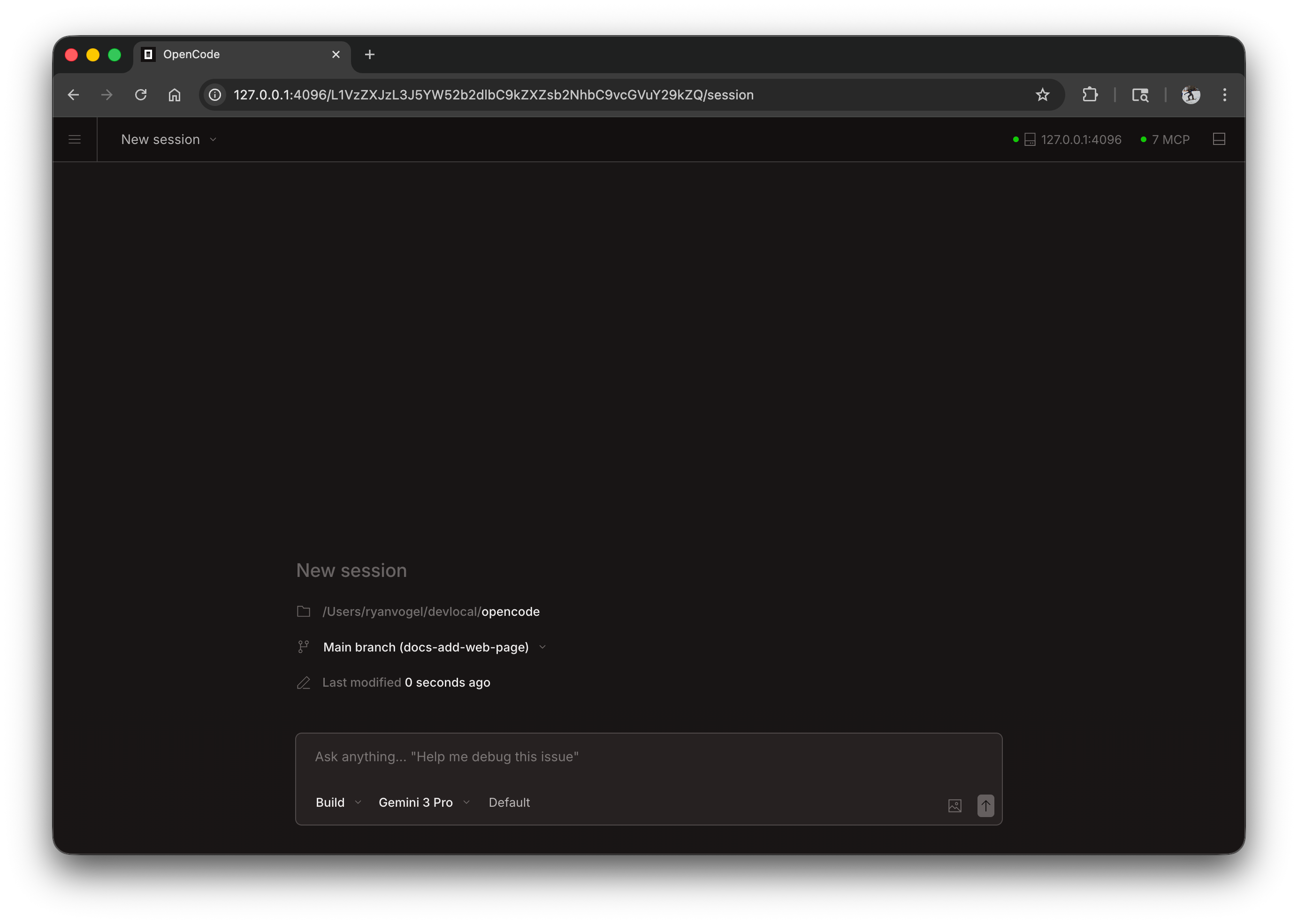
AicippY can run as a web application in your browser, providing the same powerful AI coding experience without needing a terminal.
Getting Started
Start the web interface by running:
aicippy-code webThis starts a local server on 127.0.0.1 with a random available port and automatically opens AicippY in your default browser.
Configuration
You can configure the web server using command line flags or in your config file.
Port
By default, AicippY picks an available port. You can specify a port:
aicippy-code web --port 4096Hostname
By default, the server binds to 127.0.0.1 (localhost only). To make AicippY accessible on your network:
aicippy-code web --hostname 0.0.0.0When using 0.0.0.0, AicippY will display both local and network addresses:
Local access: http://localhost:4096 Network access: http://192.168.1.100:4096mDNS Discovery
Enable mDNS to make your server discoverable on the local network:
aicippy-code web --mdnsThis automatically sets the hostname to 0.0.0.0 and advertises the server as aicippy-code.local.
You can customize the mDNS domain name to run multiple instances on the same network:
aicippy-code web --mdns --mdns-domain myproject.localCORS
To allow additional domains for CORS (useful for custom frontends):
aicippy-code web --cors https://example.comAuthentication
To protect access, set a password using the AICIPPY_CODE_SERVER_PASSWORD environment variable:
AICIPPY_CODE_SERVER_PASSWORD=secret aicippy-code webThe username defaults to aicippy-code but can be changed with AICIPPY_CODE_SERVER_USERNAME.
Using the Web Interface
Once started, the web interface provides access to your AicippY sessions.
Sessions
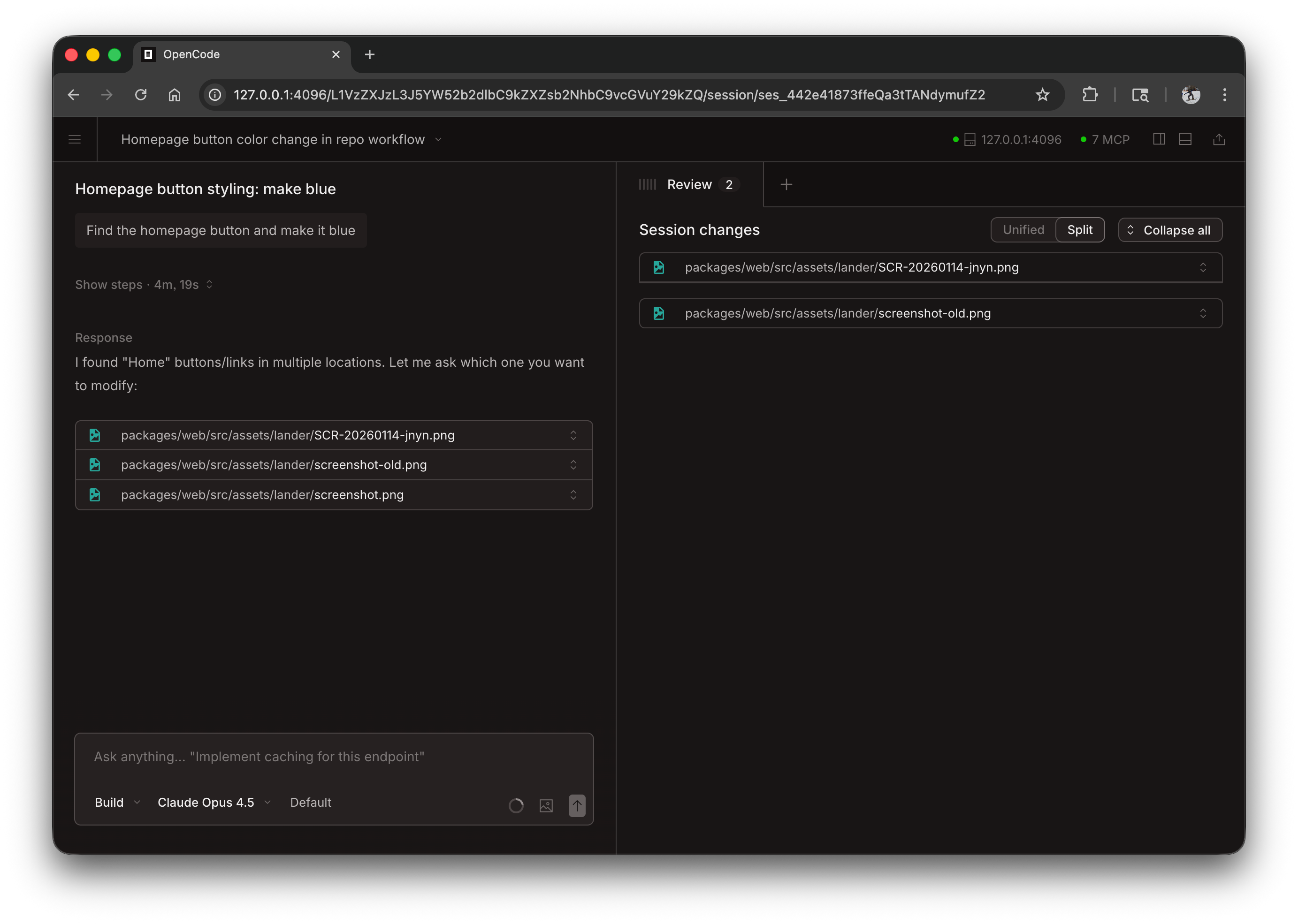
View and manage your sessions from the homepage. You can see active sessions and start new ones.
Server Status
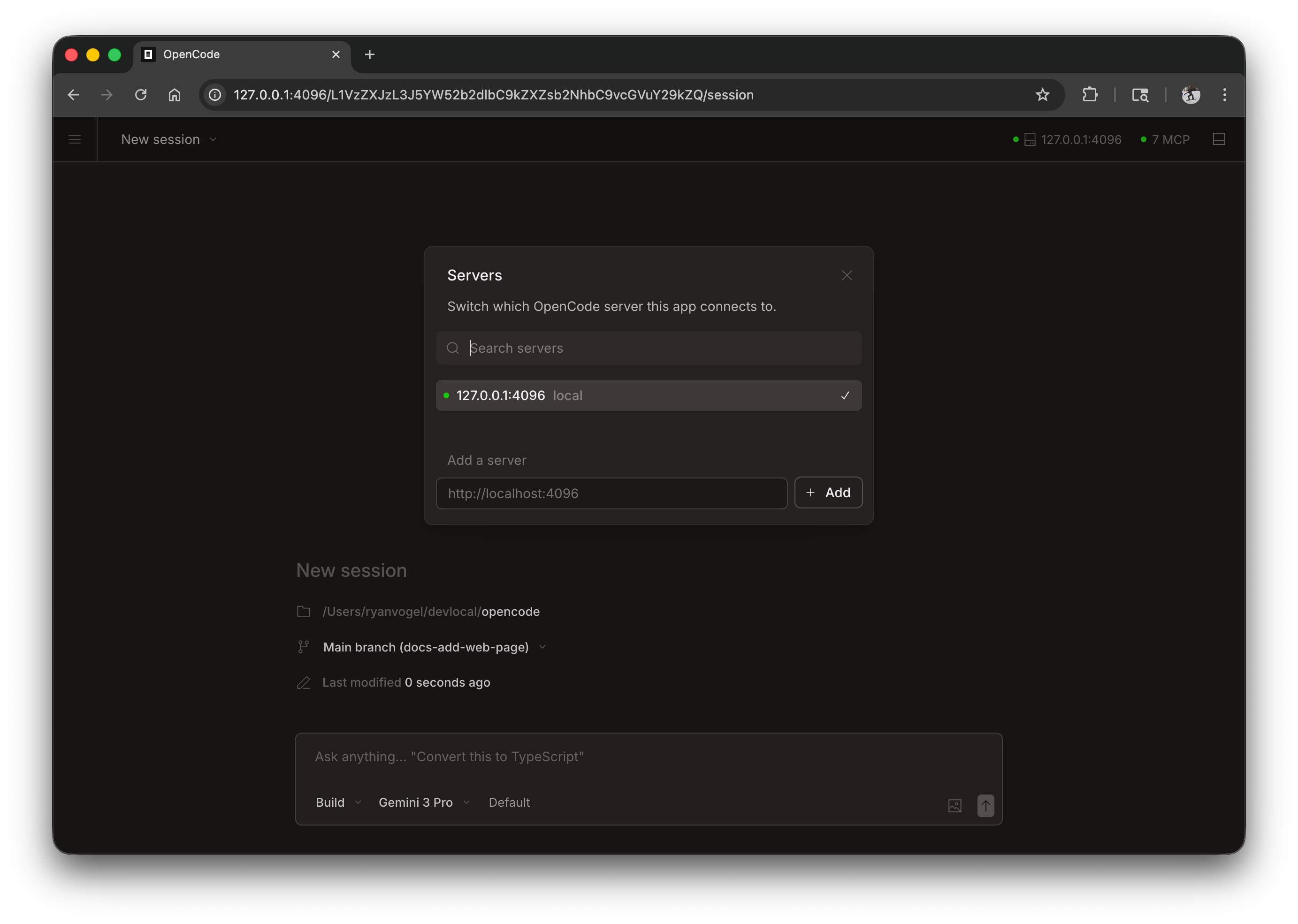
Click “See Servers” to view connected servers and their status.
Attaching a Terminal
You can attach a terminal TUI to a running web server:
# Start the web serveraicippy-code web --port 4096
# In another terminal, attach the TUIaicippy-code attach http://localhost:4096
This allows you to use both the web interface and terminal simultaneously, sharing the same sessions and state.
Config File
You can also configure server settings in your aicippy-code.json config file:
{ "server": { "port": 4096, "hostname": "0.0.0.0", "mdns": true, "cors": ["https://example.com"] }}Command line flags take precedence over config file settings.